Connect Microsoft 365
Connecting Microsoft 365 lets users ground answers in your organization's OneDrive and SharePoint content — access-trimmed and governed. This guide sets up the connection.
Before you begin
You'll need, from your Microsoft Entra (Azure AD) administrator:
- A registered application in Microsoft Entra ID.
- The Directory (tenant) ID and Application (client) ID.
- A client secret (the secret value, not the secret ID).
- The required Microsoft Graph application permissions, with admin consent granted.
When you create the client secret in Entra, copy the Value immediately — it's only shown once. Entra also shows a Secret ID; that is not the value and won't work.
Required Graph permissions
Grant the application permissions your grounding scope needs (for example, read access to files and sites), then click Grant admin consent in Entra. Without admin consent, retrieval will fail with a permissions error.
Configure the connector
- Go to Control Plane → Connectors → Microsoft 365.
- Enter the Tenant ID, Client ID, and Client secret. The secret is stored in the secrets vault — only the last few characters are ever shown again.
- Choose the region that matches your tenant.
- Click Save, then Test connection.
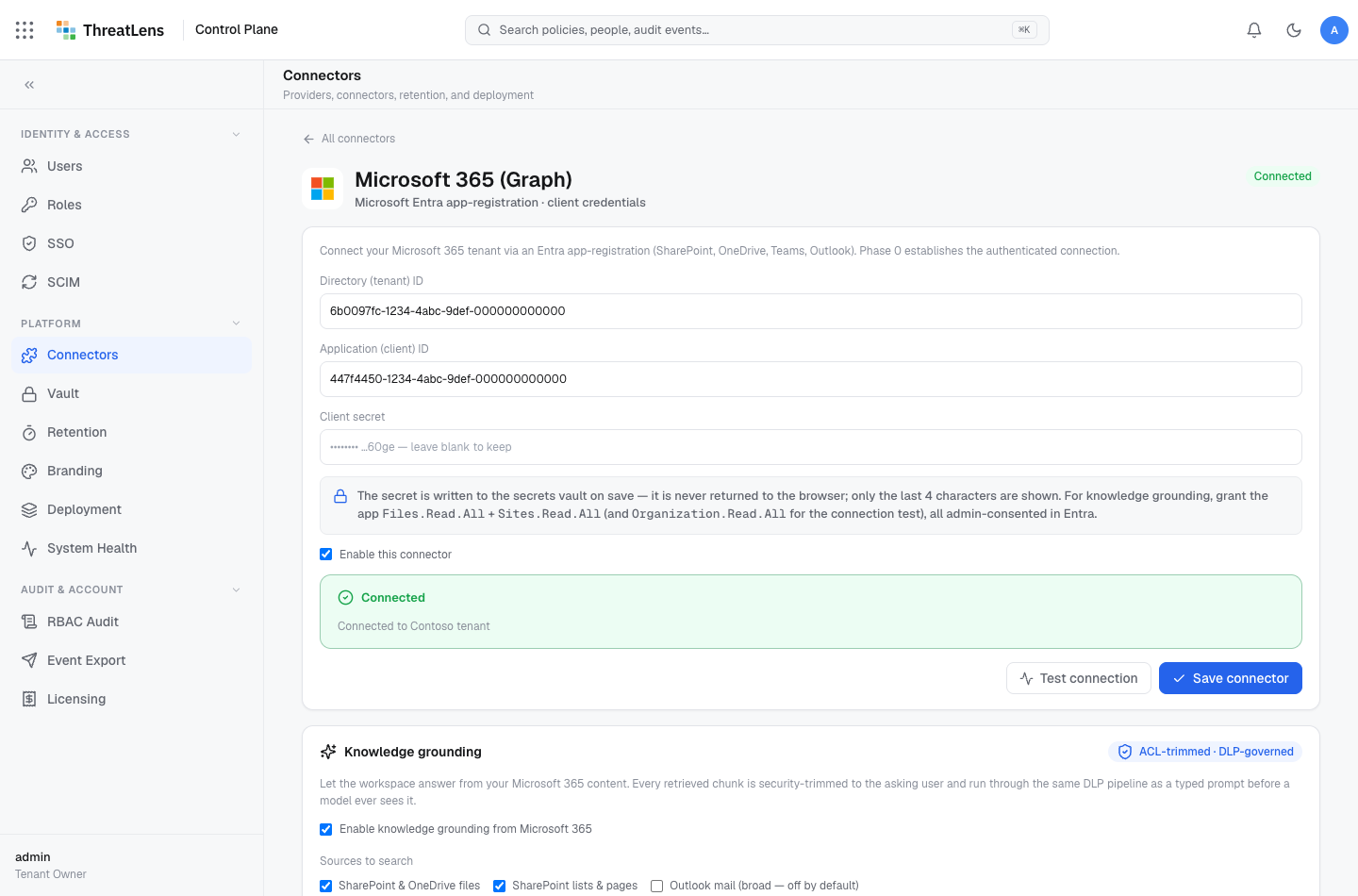
Application-only retrieval requires the correct region. If it's wrong, the connection tests fine but searches return nothing. Pick the region your Microsoft 365 tenant is hosted in.
Enable grounding
Once the connection shows Connected, turn on knowledge grounding and choose which sources are enabled (OneDrive, SharePoint). Users will then be able to attach files in the workspace file picker.
How access is enforced
Retrieval is access-trimmed to the requesting user and fails closed — a user only ever grounds on documents they personally have permission to see. See grounding.
Coverage
Governed grounding supports OneDrive and SharePoint today. Teams and Outlook grounding, and Microsoft Purview sensitivity labels as a governance signal, are on the roadmap.