Data-leak protection and rules
ThreatLens inspects every request and document for sensitive content and handles it per your policy. This guide covers what's detected out of the box and how to add your own rules. For the concept, see data-leak protection.
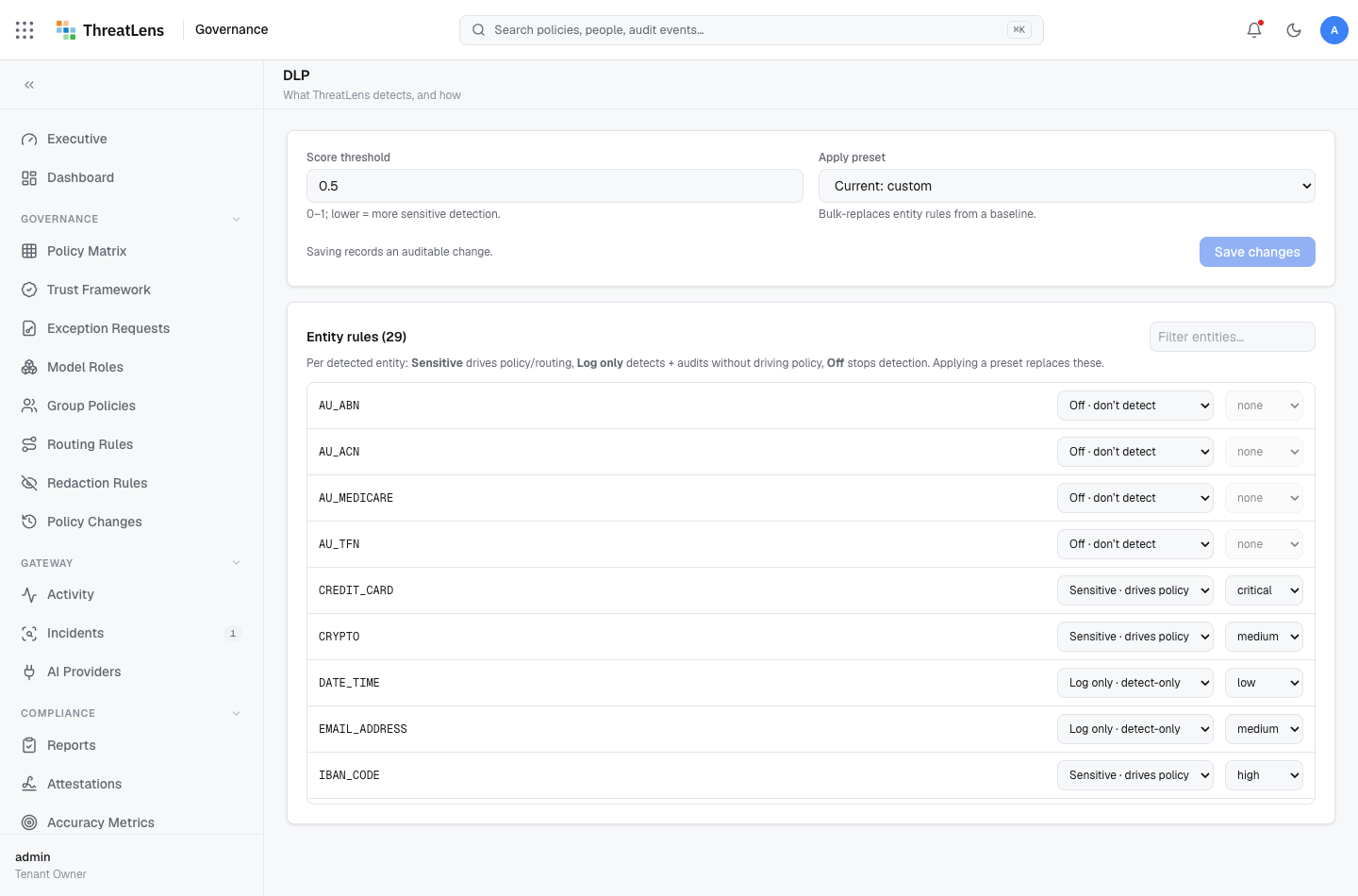
What's detected by default
- Secrets — API keys, passwords, tokens, connection strings.
- PII — SSNs, national IDs, passport numbers, and other personal identifiers.
- PCI — payment-card numbers.
- Identity documents — government-issued identifiers.
- Prompt injection — attempts to manipulate the model.
These map to data classes, which the policy matrix then governs.
Add a custom rule
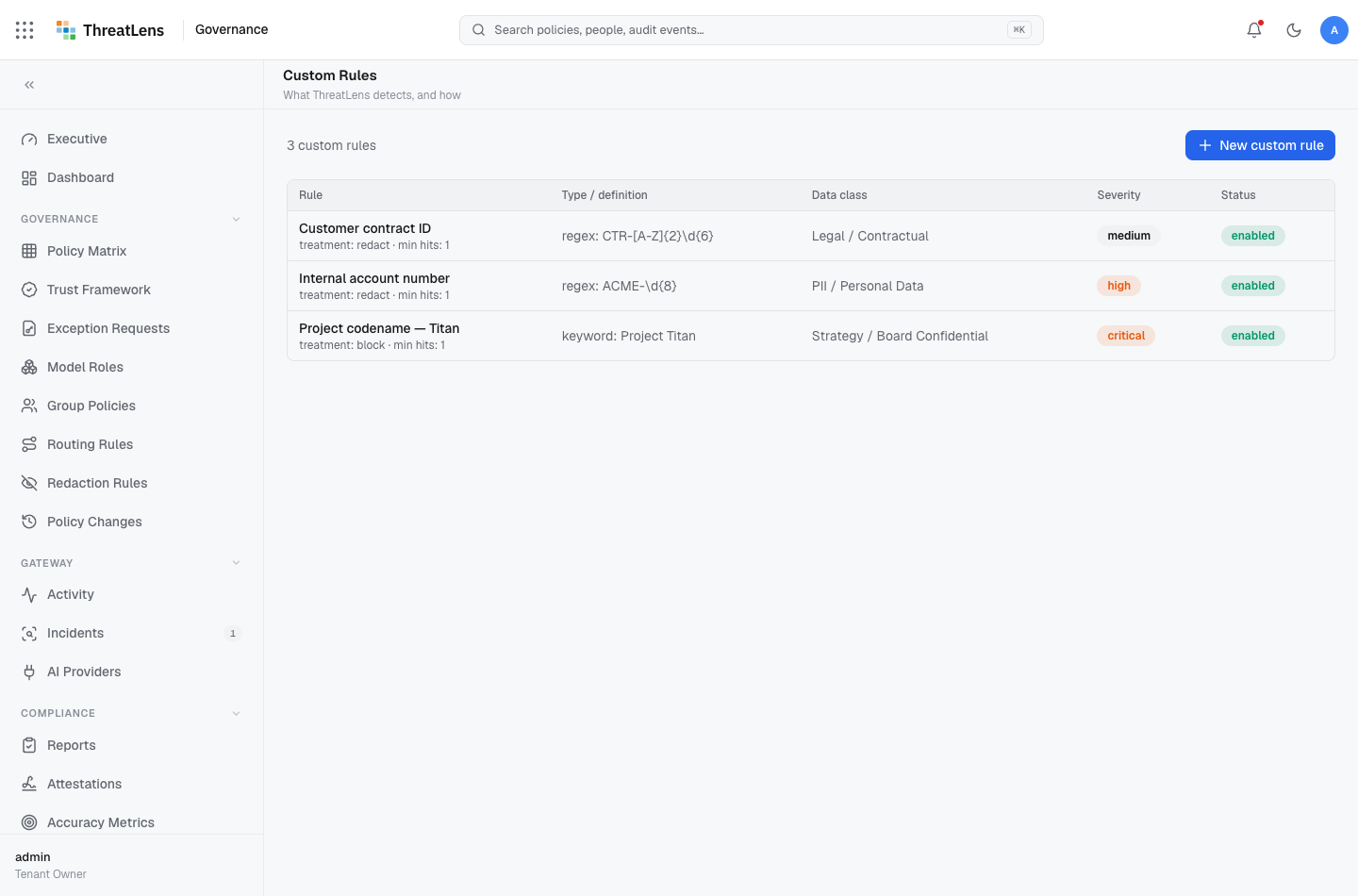
To detect organization-specific sensitive data (for example, an internal account-number format or a project codename):
- Go to Governance → Custom rules.
- Click Add rule and give it a name.
- Define what it matches and which data class it maps to.
- Choose how matches are handled — typically redact or block — or let the matrix decide by class.
- Save.
Test a rule
Use a safe sample (never a real secret) to confirm the rule fires and is handled as expected. The decision appears in the Decision Banner and in the audit log.
Use safe samples only
When testing detection, use fabricated values. Never paste a real credential, card number, or personal identifier to test a rule.
How redact, route, and block interact
- Redact removes the sensitive value and sends the rest.
- Route sends content only to a trusted-enough destination.
- Block withholds entirely — always applied to raw secrets and injection.