Roles and access
Role-based access control (RBAC) decides who can do what in ThreatLens — from using the workspace to changing governance policy. Assign roles directly, or automatically through SSO group mappings.
How roles work
Each role grants a set of permissions. A user's role determines which areas they can see (Workspace, Governance, Control Plane) and which actions they can take (view, configure, administer).
A typical model:
- Member — uses the Workspace.
- Analyst / reviewer — can read the audit log and governance views.
- Administrator — configures governance, connectors, identity, and access.
- Owner — full control, including roles and platform settings.
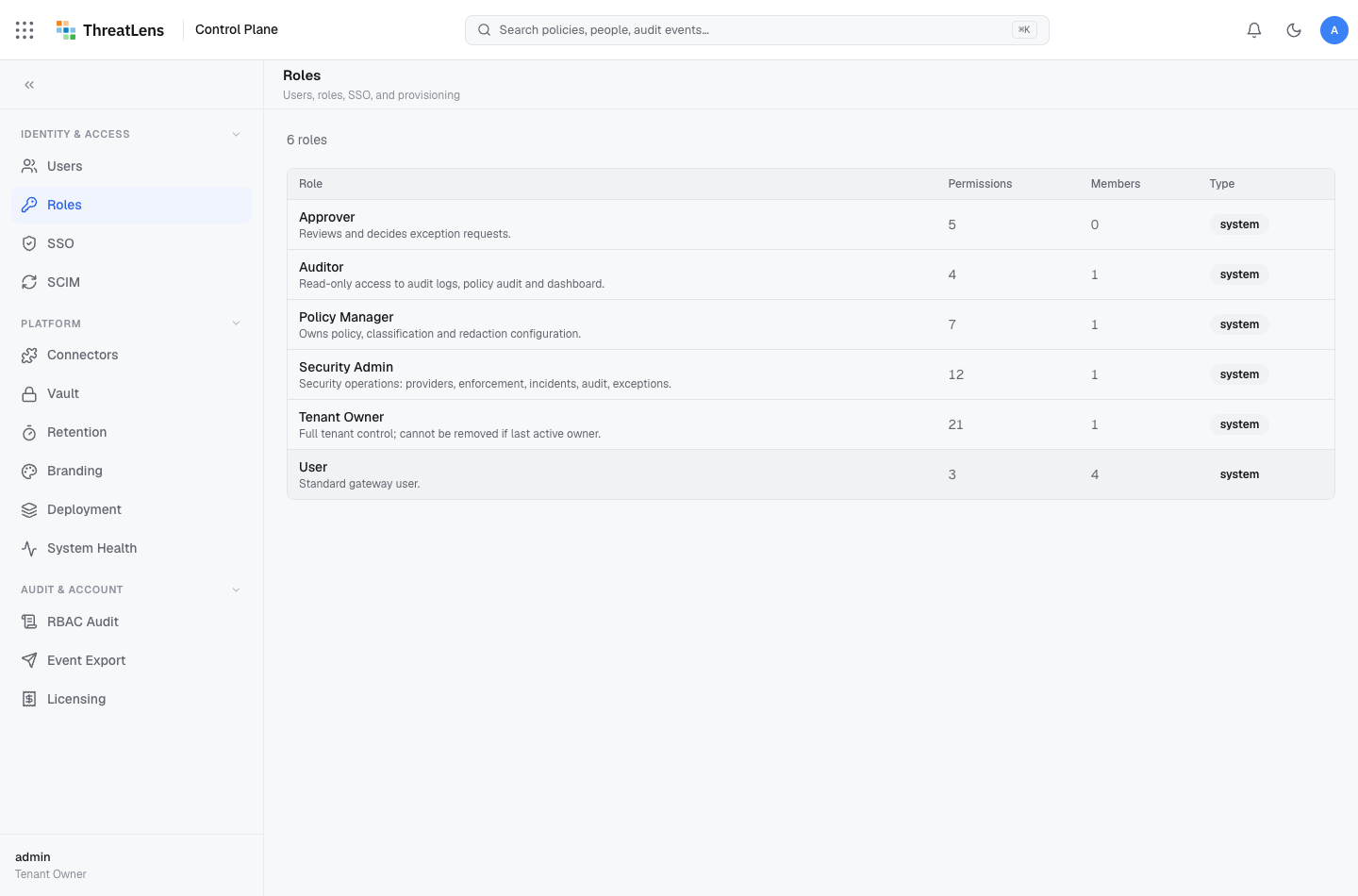
Assign a role
- Go to Control Plane → Access (roles).
- Select a user and choose their role — or rely on SSO group mappings to assign roles on sign-in.
- Save.
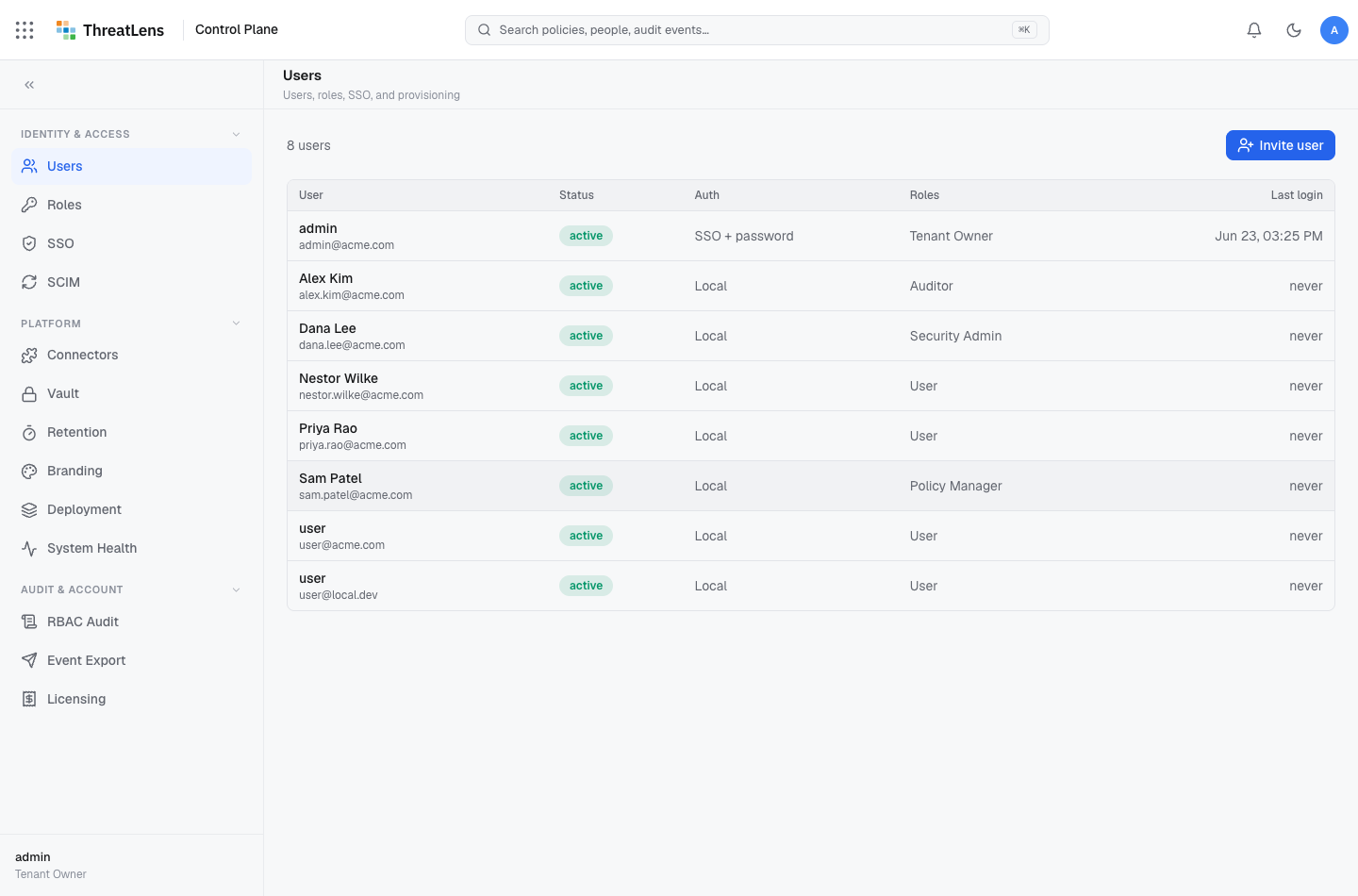
Least privilege
Grant the minimum needed
Give people the lowest role that lets them do their job. Most users only need Member; reserve administrative roles for the small group that configures governance.
Everything is audited
Control-plane changes are recorded
Every role and access change is written to the audit log — who changed what, and when. Administrative actions are governed just like data is.