Ask a question
Working in the workspace is as simple as typing a question. ThreatLens takes care of choosing an approved model and governing the request.
Type and send
- Click New chat (or keep going in an existing one).
- Type your question in the composer.
- Press Enter to send (or Shift + Enter for a new line).
Before the answer streams in, you'll see the decision banner — confirmation that your request was checked and where it was routed.
Pick an intent (optional)
The intent tells ThreatLens what kind of task this is, so it can route to the best approved model. You pick the purpose; ThreatLens picks the model.
| Intent | Use it for |
|---|---|
| General chat | Everyday questions and conversation |
| Research | Looking things up (web research is available, governed) |
| Document analysis | Summarizing or analyzing documents you provide |
| Code assistance | Writing, reviewing, and debugging code |
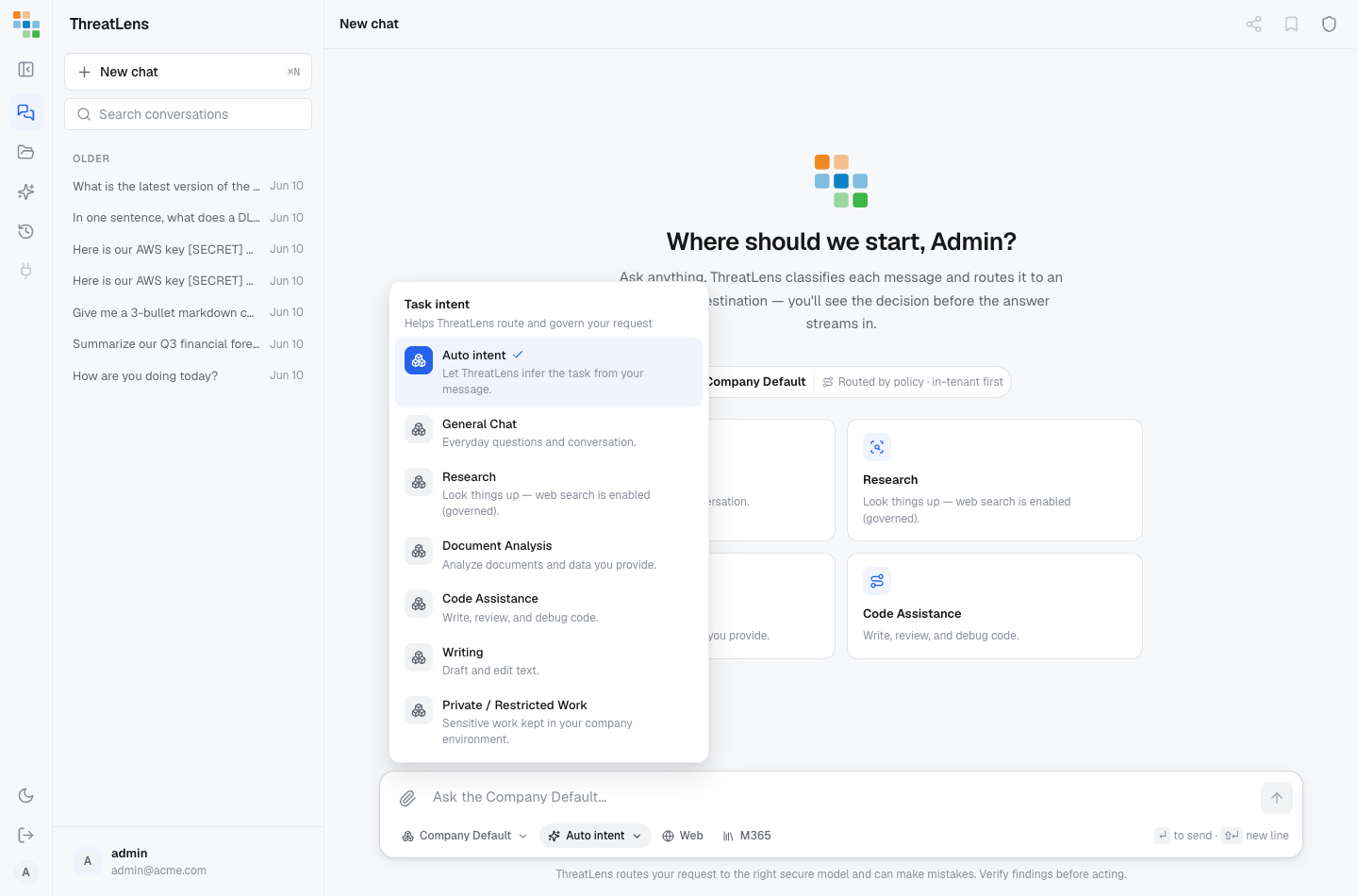
Leave it on Auto to let ThreatLens infer the task from your message.
Tips
- Be specific — clear questions get better answers.
- Attach your own documents when you want answers grounded in real content.
- Turn on web research when you need current information.
Verify before you act
AI can make mistakes. ThreatLens routes your request to an approved model and protects your data, but it's still good practice to check important answers before acting on them.