Using the workspace
The workspace is where you use AI day to day. It's a familiar chat experience — ask a question, get an answer — with governance built in so you can work confidently. You don't have to think about policy; the guardrails are there when they matter.
What you'll see
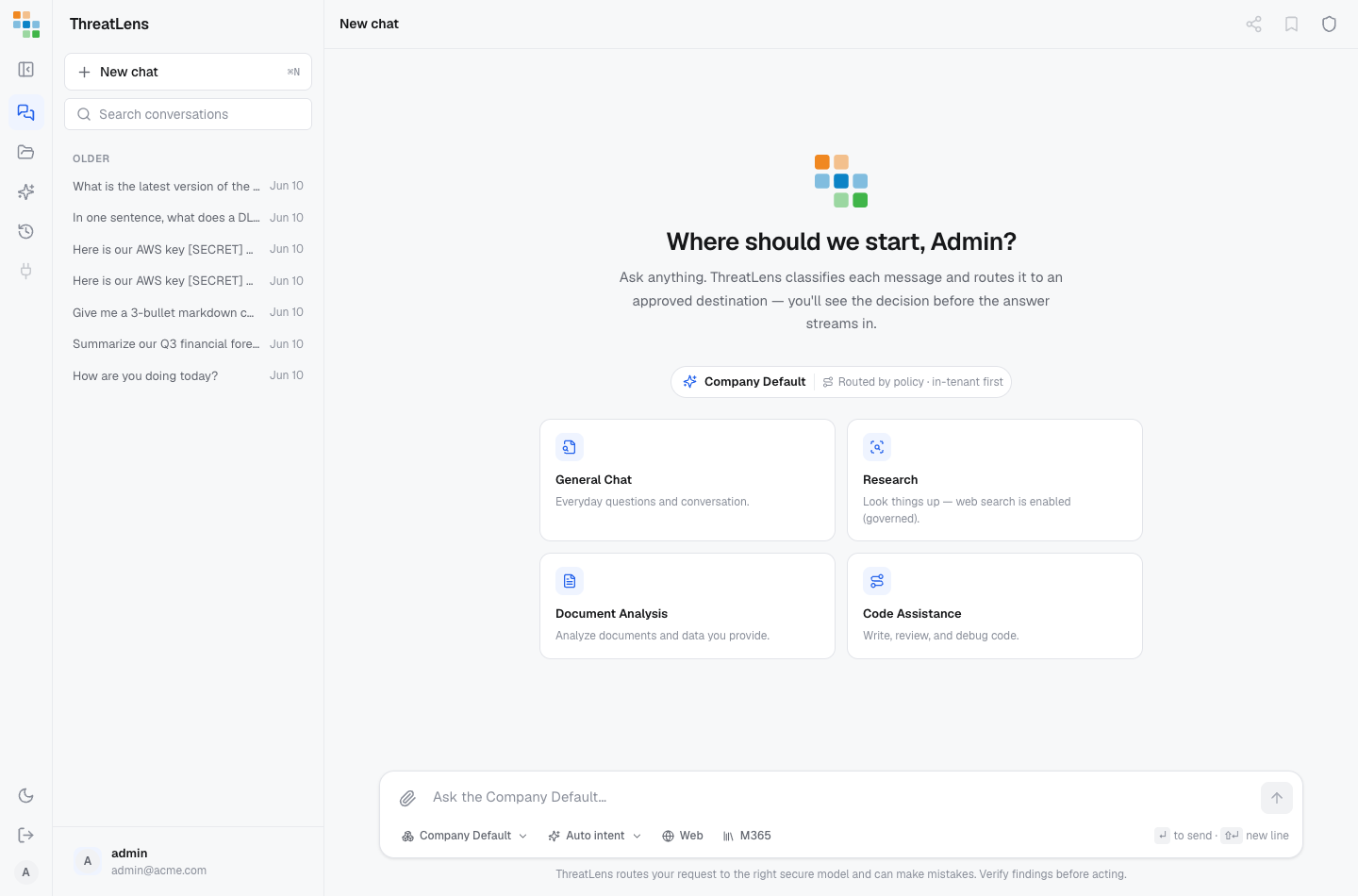
- Conversations (left) — your chat history. Start a fresh one with New chat.
- The chat (center) — where you ask questions and read answers.
- The composer (bottom) — where you type, choose an intent, attach documents, or turn on web research.
How it works in one line
You ask, ThreatLens checks your organization's policy, and you see the decision before the answer. Most requests simply go through; sensitive ones are protected automatically. See understanding the decision.
What you can do
- Ask a question and pick an intent
- Work with your own documents
- Research with the web
- Understand a decision
- Know what's protected, and why
You're always covered
Everything you do here is governed and recorded for your organization — so you can use AI for real work without worrying about what's safe to share.